Data model
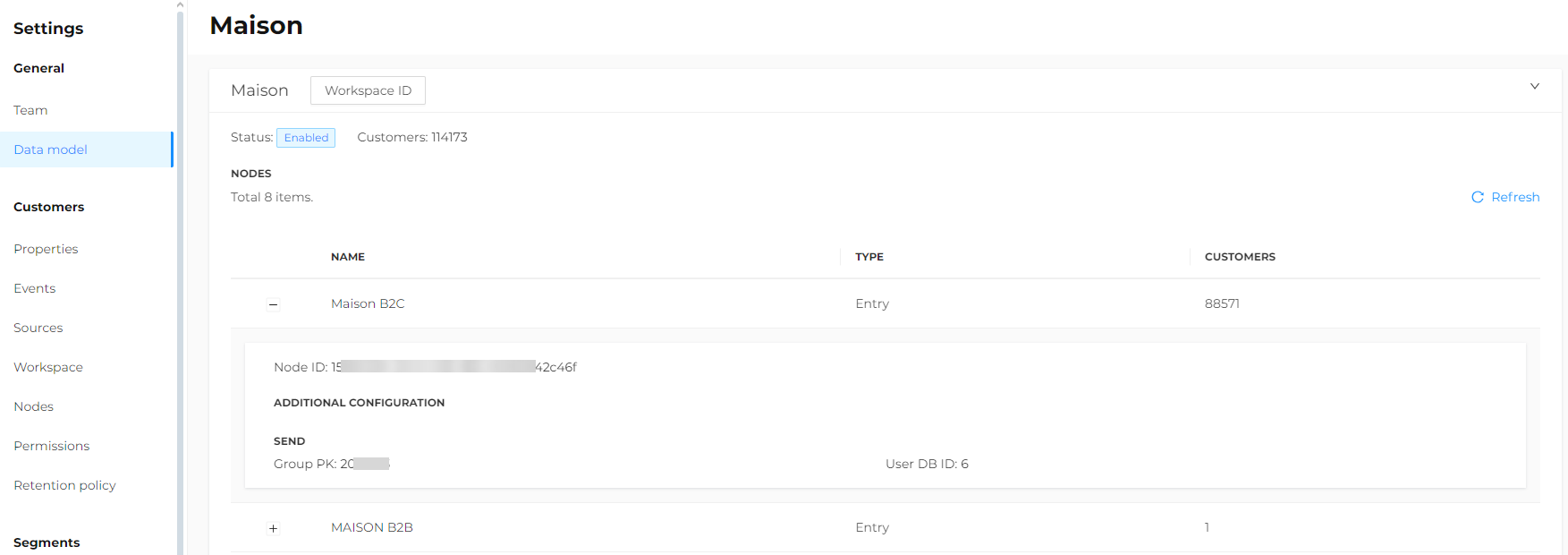
In the Settings > General > Data model section, by clicking on the company name, the status of the active company and the number of clients and nodes are displayed.
For each node, you can expand the information to access all details.
This section is only visible to users with appropriate Power User permissions.