Add End Step
The End step is used to complete the automation or a path/branch. Once an End step is added, additional steps can only be added before it, not after.

This step is mandatory. If it is not set, it will be automatically added when the automation is saved.
By selecting the End step, it is possible to set an evaluation for the related branch, which can have the following values:
- Positive
- Neutral (default value)
- Negative
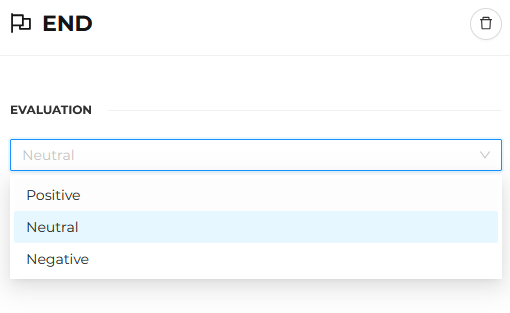
This makes it possible to clearly distinguish:
- Paths that represent a goal achieved
- Undesired outcomes
- Conclusions with intermediate value
The automation is automatically classified based on the results actually generated, providing a real-time indication of the overall status of the flow.
The evaluation is determined based on the results achieved in the different End steps within the flow. In case of a tie between different evaluations, the most positive evaluation among those resulting from the count is displayed (for example, if there is an equal number of positive and negative evaluations, the overall evaluation will be positive).
